

How to Measure SEO ROI: Complete Guide
SEO ROI, the return on investment (ROI) from search engine optimization (SEO), is measured by subtracting total SEO cost from the revenue organic search brings in, dividing the result by that cost and multiplying by 100.
The math is simple; the inputs are not. Every cost has to be counted, every organic conversion needs a dollar value, and revenue has to be credited to the right channel.
Those inputs matter more each year. US searchers clicked a traditional result in only 8% of visits with an AI summary, against 15% without one (March 2025 data), so traffic counts alone no longer show what organic search earns.
Five steps turn analytics data into an ROI figure a finance team can check, and a short set of early metrics shows whether that figure is heading the right way before revenue catches up.
What Does SEO ROI Measure?
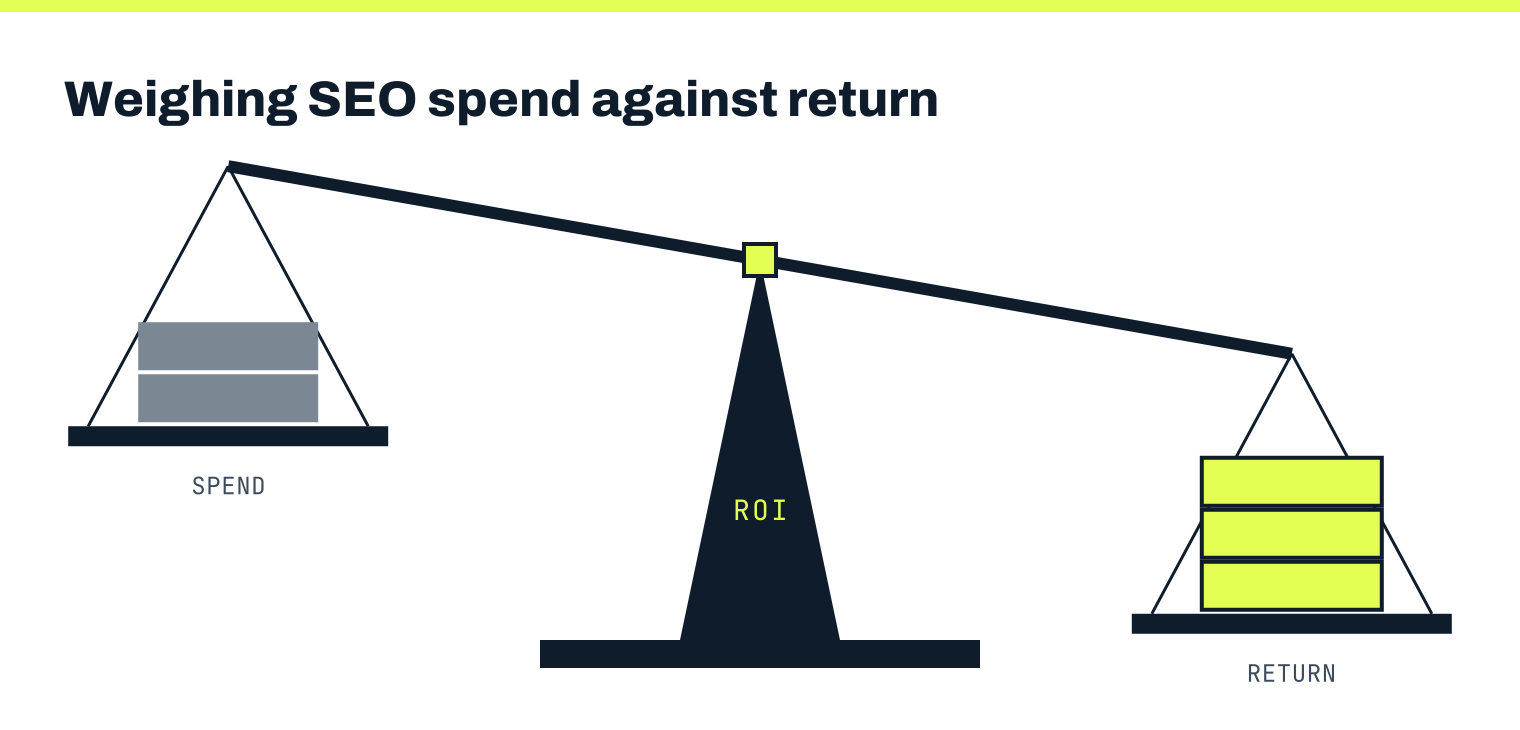
SEO ROI measures how much profit organic search returns for every dollar spent on it, shown as a percentage. It connects SEO work to revenue, which rankings and traffic reports cannot do on their own.
The standard formula is:
SEO ROI (%) = (Organic revenue – Total SEO cost) / Total SEO cost x 100
A business that spends $6,000 on SEO in a quarter and earns $15,000 from organic search gets (15,000 – 6,000) / 6,000 x 100 = 150% ROI (figures are illustrative). A result of 0% means break-even, and a negative result means SEO cost more than it returned.
For products with thin margins, gross profit gives a truer picture than revenue. A store with a 30% margin that books $15,000 in organic sales keeps $4,500, which turns that 150% ROI into a loss of 25%.
How Do You Measure SEO ROI Step by Step?
Measuring SEO ROI takes five steps, from counting costs to running the formula over a long enough window. Each step closes a gap that would otherwise make the final number unreliable.
Step 1: Add Up Every SEO Cost
Total SEO cost covers every dollar and hour that goes into organic search, not only agency invoices. Spend that serves several channels, such as a site redesign, should be split by the share that supports organic search.
Six cost groups make up the full figure:
- People: In-house salaries and benefits, prorated by time spent on SEO, plus agency or freelancer fees.
- Content: Writing, editing, design and video.
- Technical work: Page speed fixes, crawl error repairs and structured data.
- Links and PR: Outreach, digital PR and guest posts.
- Tools: Keyword research, rank tracking and audit subscriptions.
- Site upkeep: Hosting and developer time tied to SEO changes.
Step 2: Mark Key Events in Google Analytics 4
Google Analytics 4 (GA4) calls the actions that matter to a business key events, the name that replaced “conversions” inside Analytics in 2024. Mark purchases, form submissions, demo requests, phone-number clicks and free-trial signups as key events, then filter reports by the Organic Search channel group to see how many come from organic visitors.
Each action can be marked in the Events list under Admin. Linking Google Search Console to GA4 then places query and landing page data next to those key events, which shows the searches that lead to sales.
Step 3: Put a Dollar Value on Each Key Event
Ecommerce sites can read organic revenue straight from GA4 purchase data. Lead-generation businesses need a value per lead, built from two numbers in the customer relationship management (CRM) system: close rate and average customer value.
With a 20% close rate and a $5,000 average deal, each qualified lead is worth $1,000 (figures are illustrative). Software as a service (SaaS) companies can value trials the same way, multiplying trial-to-paid rate by average annual contract value.
Only qualified leads belong in the count, since spam form fills and job applicants inflate the value of organic traffic.
Step 4: Credit Revenue to Organic Search
Attribution decides how much of a sale organic search gets when a buyer also touched ads, email or social posts. GA4 now offers two models: data-driven attribution, the default, which spreads credit across touchpoints based on observed paths, and last click, which gives full credit to the final channel.
First-click, linear, time-decay and position-based models were retired in 2023. Pick one model and keep it in every report, since switching models changes ROI without any change in performance.
The Conversion paths report in GA4 also shows how often organic search starts a journey that another channel finishes, a role last-click numbers hide.
Step 5: Calculate ROI Over a 12-Month Window
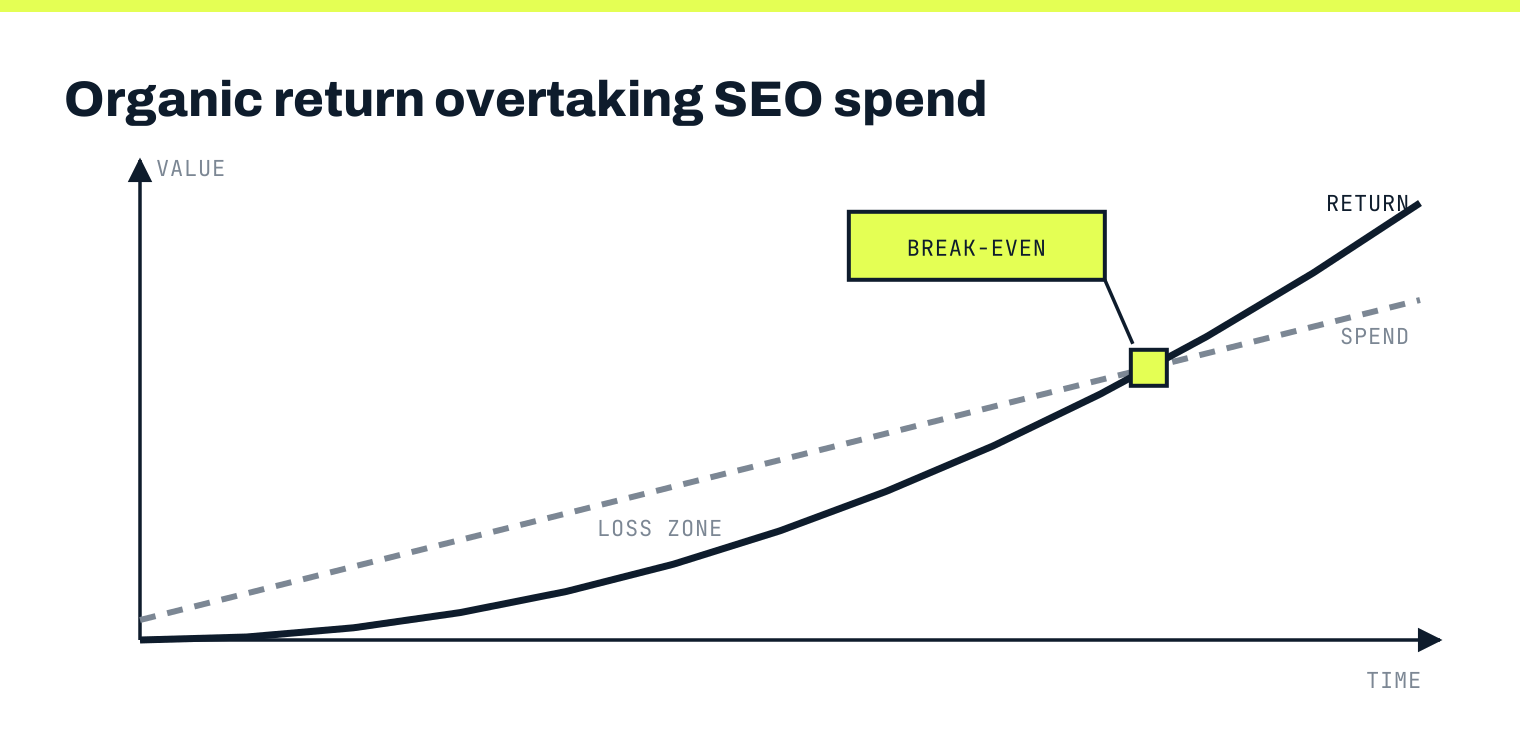
SEO costs arrive up front while returns build over months, so a single month usually shows a misleading loss. Measuring over 12 months, with cumulative cost tracked against cumulative revenue, shows the month the investment breaks even.
Report the figure each quarter using the same inputs, so any change in ROI reflects real performance rather than shifting definitions.
As an example, $5,000 a month in SEO spend adds up to $60,000 over a year. If organic revenue grows by $1,000 each month, from $1,000 in month one to $12,000 in month twelve, cumulative revenue catches cumulative cost in month nine and ends the year at $78,000 (figures are illustrative).
Which Metrics Show SEO ROI Before Revenue Arrives?
Leading metrics show whether SEO is on track months before revenue proves it, which keeps budgets safe during the slow early stretch. These signals tend to move first:
- Commercial page clicks: Search Console impressions and clicks filtered to product, pricing and service pages rather than the whole site.
- Organic key event rate: The share of organic sessions that complete a key event. A rising rate means traffic quality is improving.
- Branded search volume: More searches for the brand name signal growing awareness that converts later.
- AI search impressions: The Generative AI performance report in Search Console counts how often links to a site appear in AI Overviews and AI Mode, and it reached all websites by August 31, 2026. It shows impressions only, not clicks.
- AI referral visits: ChatGPT tags its outbound links with utm_source=chatgpt.com, so GA4 can group those visits in a custom channel. A tagging bug from October 9 to 15, 2026 logged some of them as direct traffic, which is worth checking in October reports.
What Makes SEO ROI Hard to Measure?
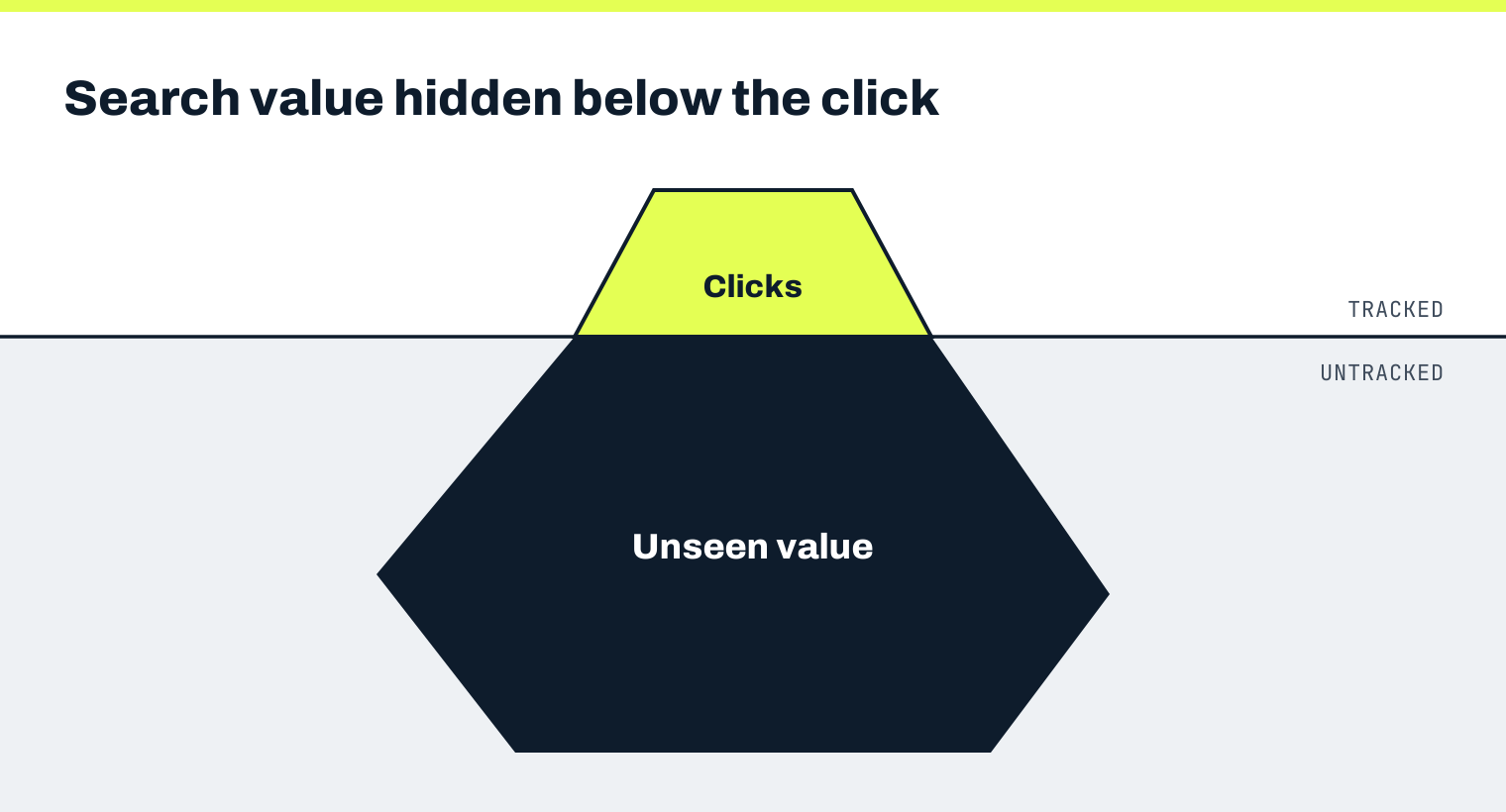
SEO ROI is hard to pin down because some sales close away from the website, some visibility never turns into a click and outside changes move rankings. Each problem has a practical fix:
- Offline sales: Phone calls and in-person deals never reach GA4. Call tracking numbers on organic landing pages and closed deals imported from the CRM connect those sales back to search.
- AI answers: AI Overviews answer questions on the results page, and links copied out of AI chats arrive as direct traffic, so click and referral data undercount AI-driven demand. Pairing them with AI impressions, branded search and direct visits to deep pages shows the full effect.
- Algorithm updates: Rankings can drop with no change in strategy. Marking confirmed update dates on every report separates algorithm effects from strategy problems.
- Seasonal swings: Demand rises and falls through the year in most industries. Comparing each month with the same month last year, rather than the month before, removes that noise.
- Broken tracking: Missing tags, duplicate key events or untagged forms quietly distort months of data. A tracking check after every site release, backed by a regular technical audit, keeps the inputs clean.
FAQs
What is a good SEO ROI?
No universal benchmark exists, since margins and sales cycles differ by industry. A fair test compares 12-month SEO ROI against the return the same business earns from its paid channels.
Should branded searches count toward SEO ROI?
Reporting branded and non-branded organic revenue separately is safer, because many brand searches would happen without any SEO work.
How is SEO ROI different from ROAS?
Return on ad spend (ROAS) divides paid revenue by ad spend alone, while SEO ROI subtracts all SEO costs, including people and content, before dividing.
How can SEO ROI be forecast before a project starts?
Multiply target keyword search volume by an expected click-through rate, the site’s conversion rate and the value per conversion, then compare the result with the planned budget.